Wireless Repeater
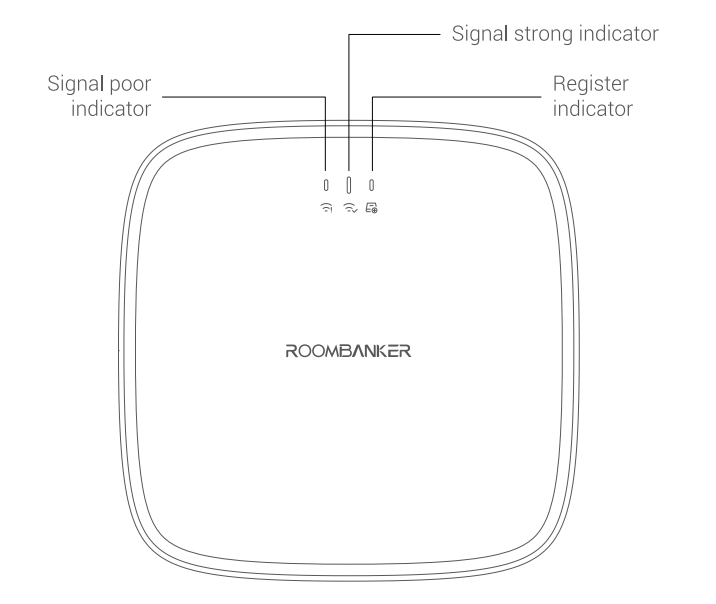
1. Appearance
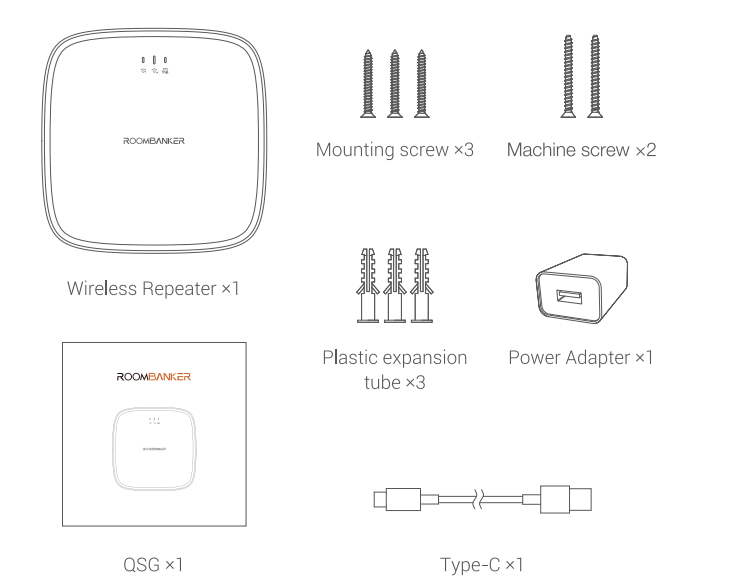
2 Packaging List
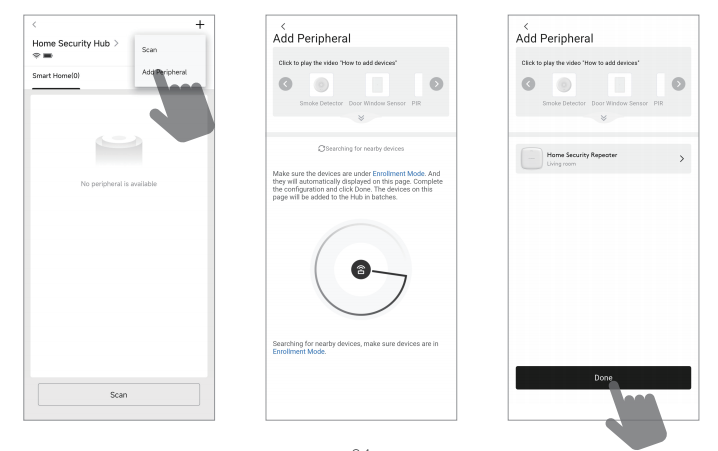
3. Add Wireless Repeater
Click Home Security Hub , then click "+" and select "Add peripheral" .
Pull out the insulation strip to power up the device , the green indicator will flash and the device will show in the App.
*Note: If the device does not show in the App and green indicator is off , please press and hold the register button for 5s to try again.
Assign a room and click the "Done" to finish adding.
4. Testing Instruction
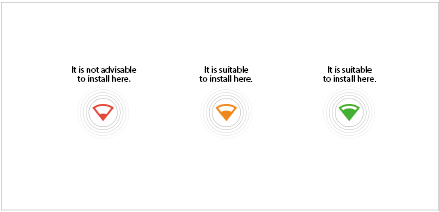
Signal Strength Test
Click "  "→ "Signal Strength Test"→ "
  " to check signal strength.
5. Installation Instruction
1 Mount on the wall by screws
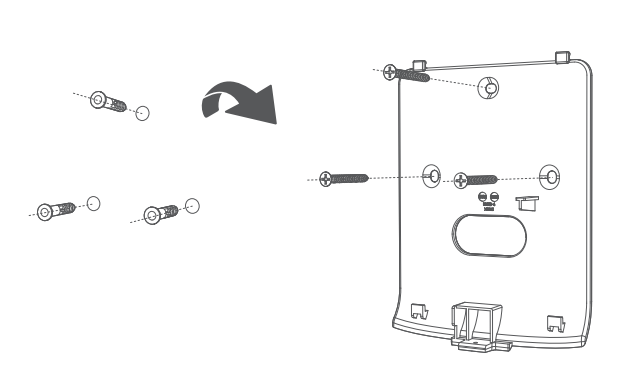
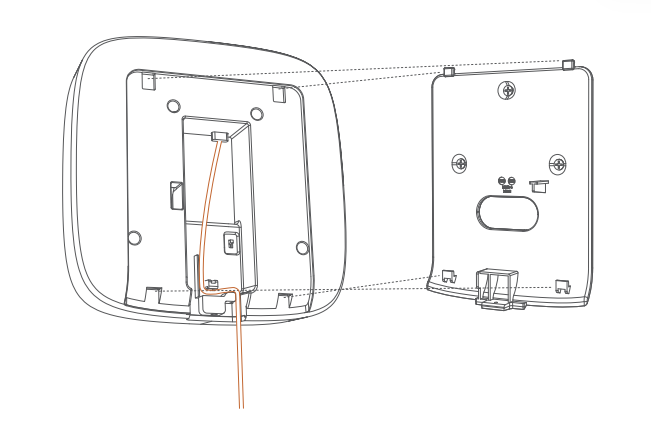
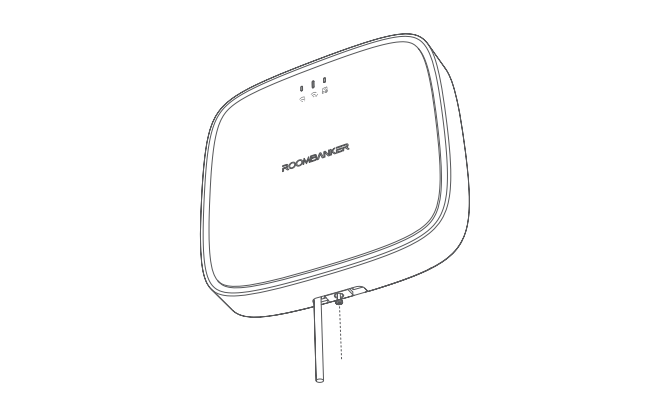
2 Place on the desktop
6. Device Specifications
| Parameter | Value |
|---|---|
| Model | RBGW-RE1-868 \ RBGW-RE1-915 |
| Firmware Upgrade | OTA via APP |
| Peripherals Connected | Up to 128 |
| Power Supply | Type-C, 5 V / 2 A |
| Battery | 2500 mAh 18650 battery, up to 40 hours backup |
| Transmission Technology | RBF |
| Transmission Frequency | 868 MHz / 915 MHz (RBF) |
| Operation Temperature | -10 °C to + 45 °C (14 °F to 113 °F) |
| Dimension (W × H × D) | 150 mm × 150 mm × 37 mm |
| Weight | 314 g |
| Standards and Certifications | CE \ RoHS |
| User Serviceable Parts | External plug: Type-C, 5 V / 2 A |